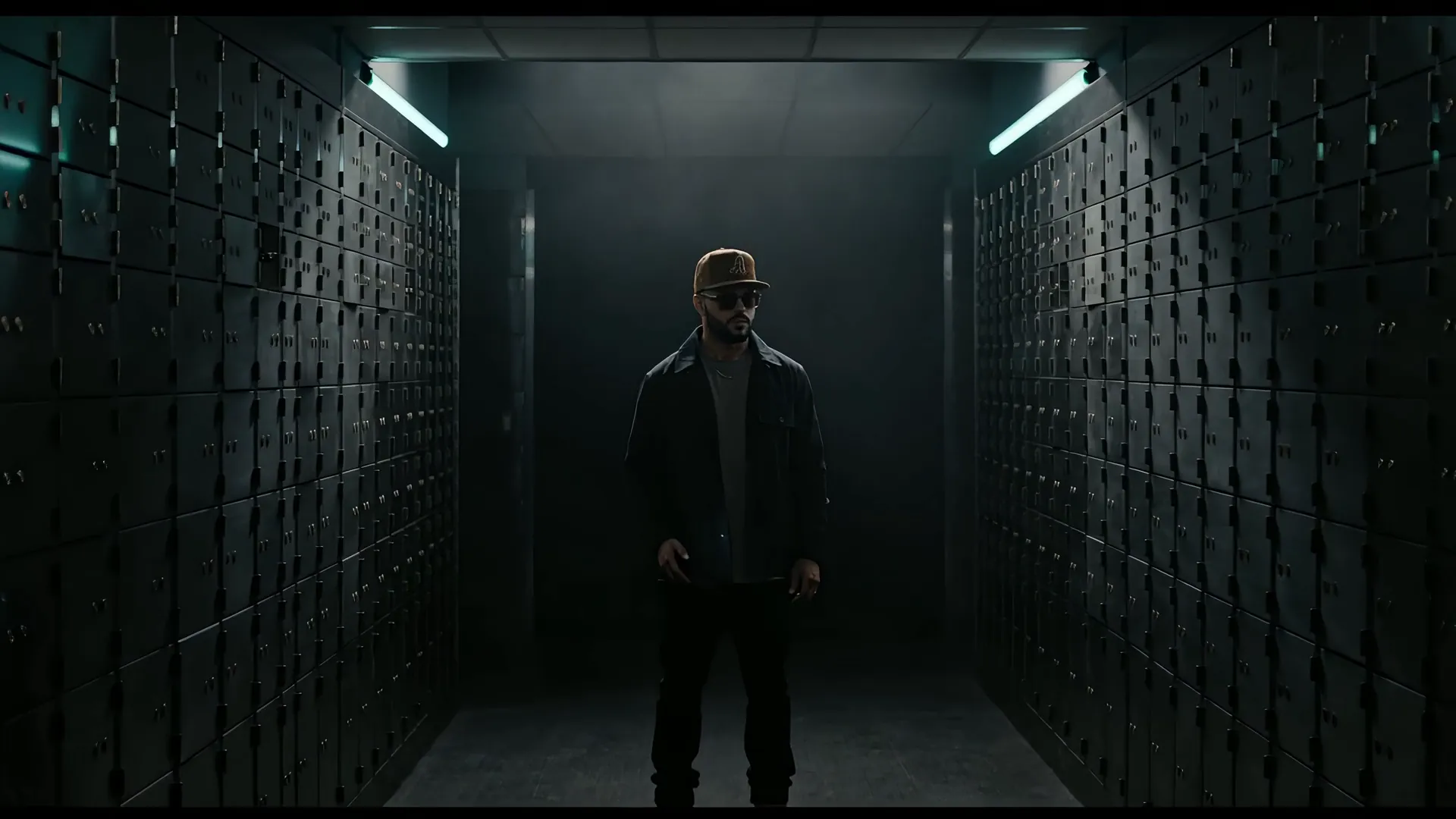
Run your trading strategies like a 24/7 market analyst.
Your connected accounts, research and trade records in one desk. You place each trade and choose its protection. Where supported, TDU monitors the stops you authorize and keeps your desktop and paired phone informed. Your funds stay with your brokerages.
Not a broker. Not financial advice. Trading involves risk of loss.
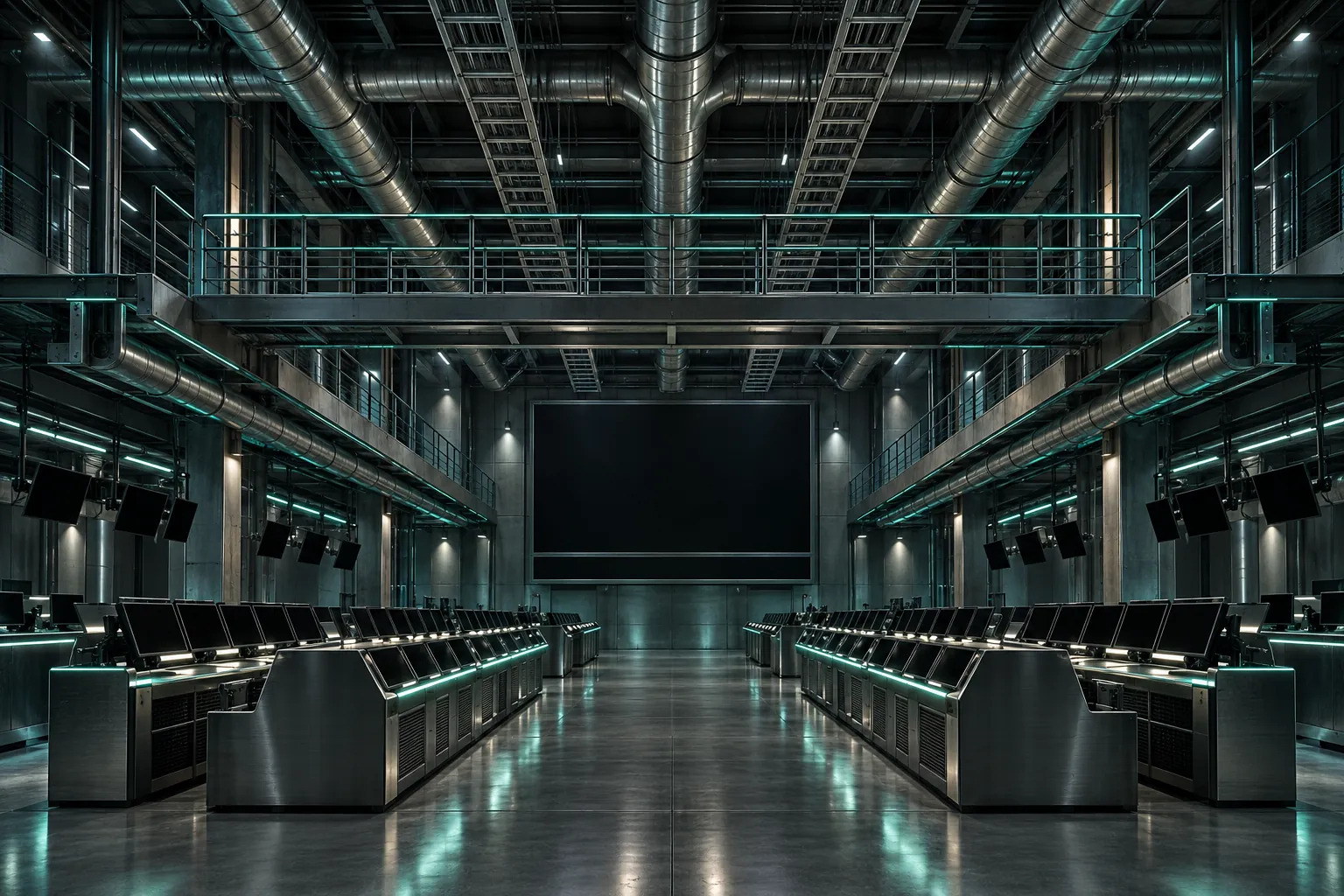
Calm in the middle of the noise.
Your connected brokerage accounts, your research and your trade records, in one desk on your computer and your paired phone. You place each trade. You choose its protection.
One desk, your accounts
Equities, crypto, and forex today, through supported brokers — on one desk, one clock.
Guardrails that fail closed
Position caps, exposure ceilings and a whole-account guard you set. When a limit is reached, new entries stop; the guard never sells for you.
Research that waits for you
News, fundamentals and alerts on your watchlist, gathered in one place. Connect your own AI key and ask the desk's analyst about any name you follow.
Practice first
Start in practice mode. Go live when you decide.
The whole operation, one screen
Status, alerts and a full activity log you can export.
Your brokerage, your keys
Your keys stay on your desk. Your funds stay with your brokerage. We never take custody.
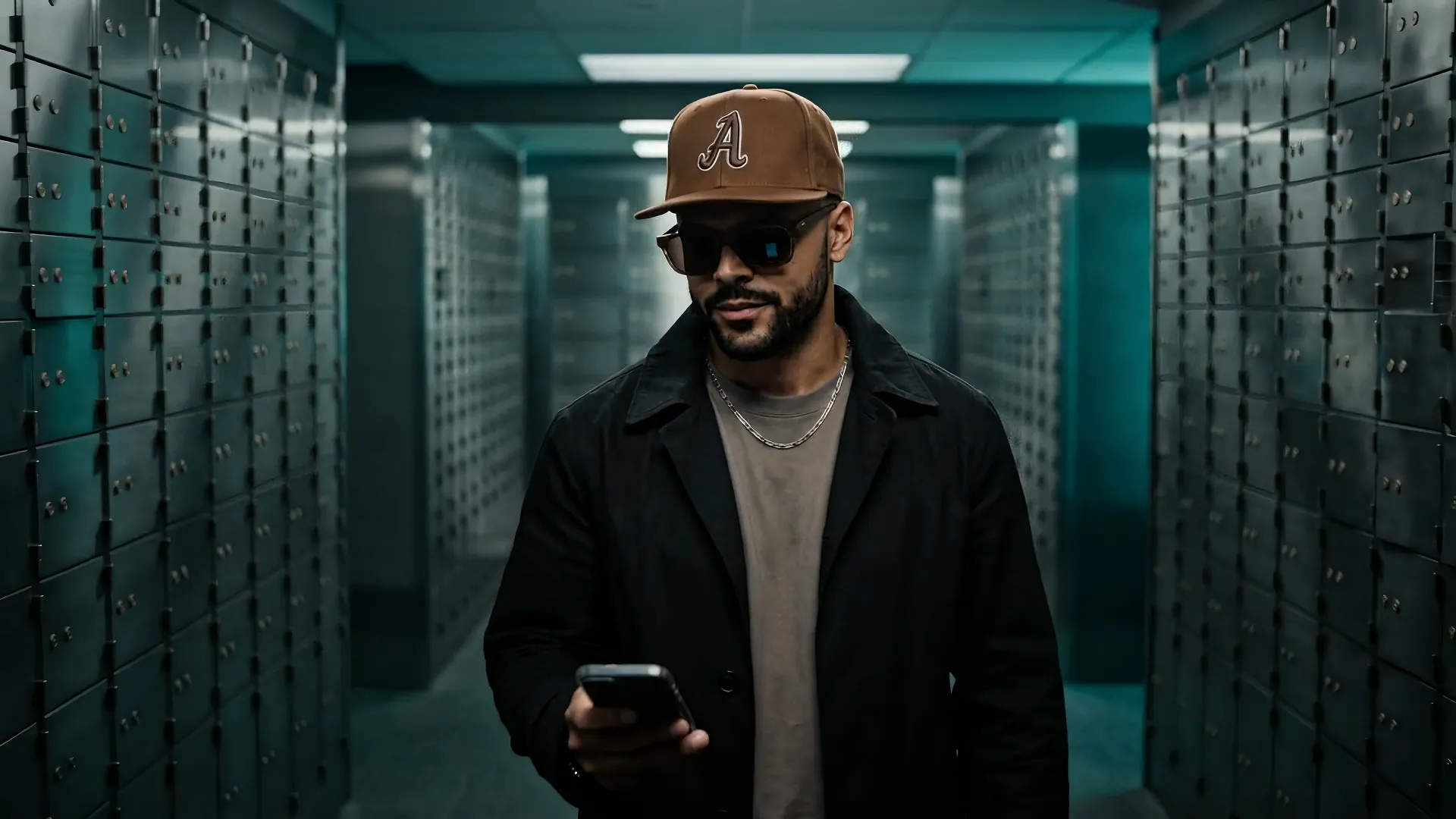
Mechanical precision. Human judgment.
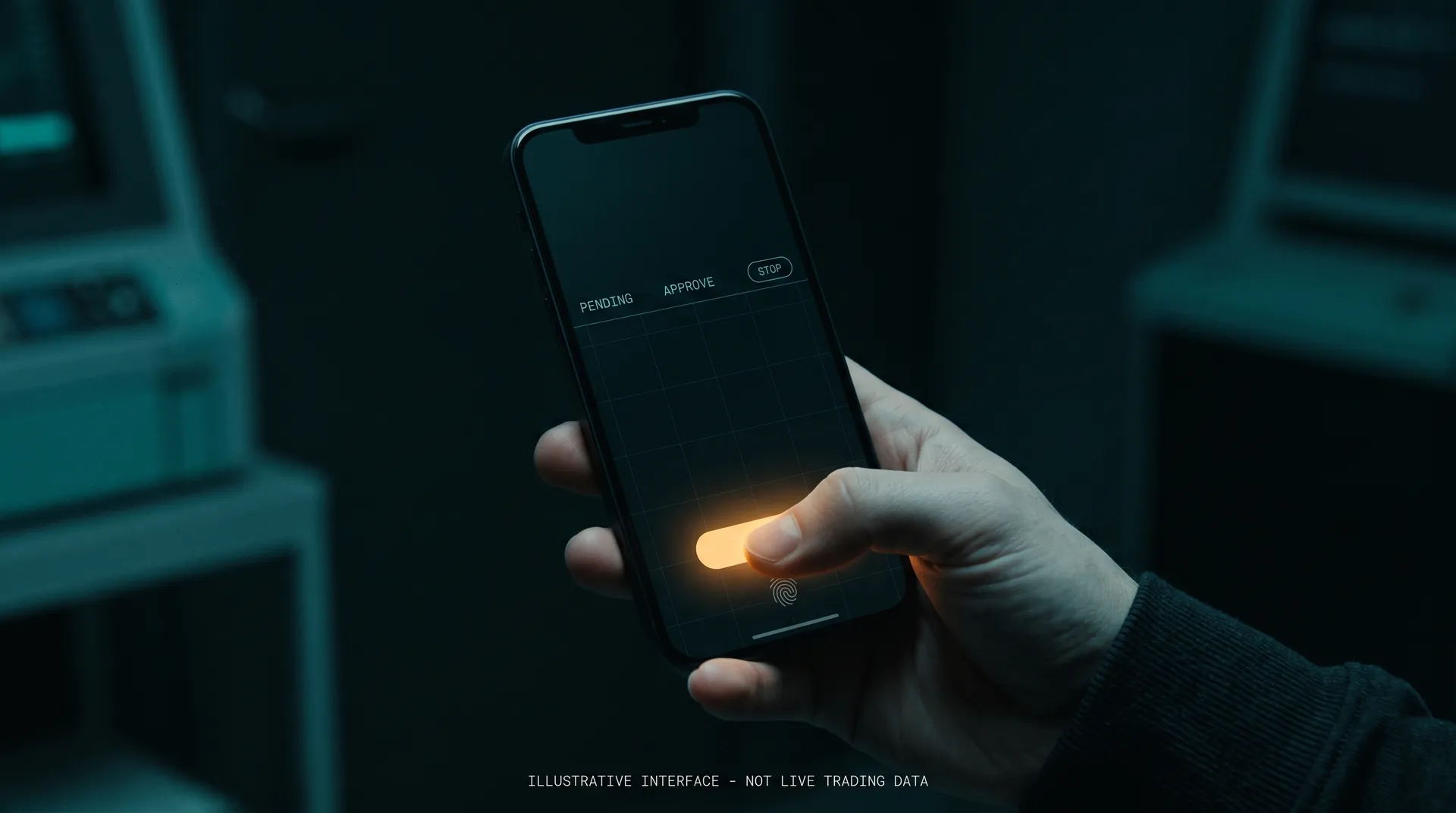
The desk watches the tape and keeps your desktop and phone informed, around the clock. What it will never do is act alone. Nothing reaches the market without your yes.
- Every live order waits for your PIN — on your computer or your paired phone.
- An armed kill-switch you can hit at any moment.
- An emergency ladder: pause, close all, or remove your keys.
Approve — or keep scrolling, and nothing is placed.
Your stop, your terms.
Choose a fixed or a trailing stop when you place a trade. Where your brokerage supports it, the stop is held at the brokerage itself, and the desk keeps your computer and phone informed. A trailing stop only ever tightens; it never loosens.
Protection on from the very first fill.
A trailing stop follows the trade, by the percentage you chose.
It keeps following as the trade moves your way.
A trailing stop never loosens.
Illustrative ladder - Not Live Trading Data · your thresholds are yours to configure
Stops cannot guarantee an execution price or prevent every loss.
From keys to live, on your terms.
Connect
Link your brokerage with API keys you control. The desk routes and monitors; it never holds your funds nor your keys. Only your peace of mind.
Configure
Start from our presets or set your own — strategies, position caps, risk limits. And you can change the parameters for each trade placed for automatic monitoring — a number or percentage that you choose at each trade.
Run
Start with practice trading, approve your live orders, and view the same desk from your computer or paired phone.
It lives in your pocket.
The desk runs on your own server; this is how you hold it. Approvals, holdings, the whole-account guard and the kill-switch — from your computer and your paired phone.
Illustrative - Not Live Trading Data · actual screens from the app; figures shown are a demonstration desk, not a performance record
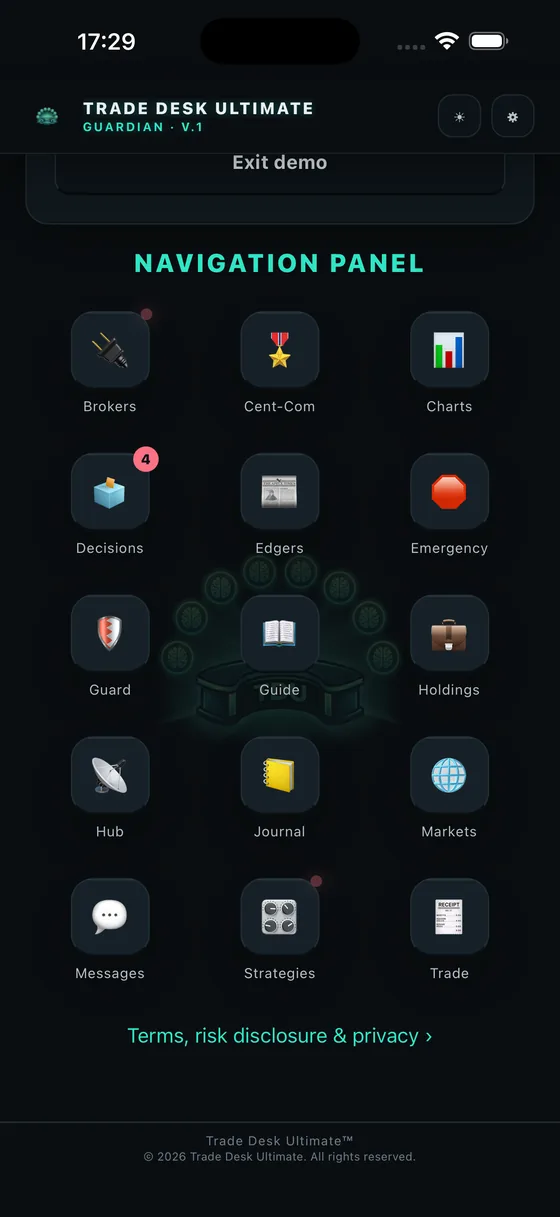
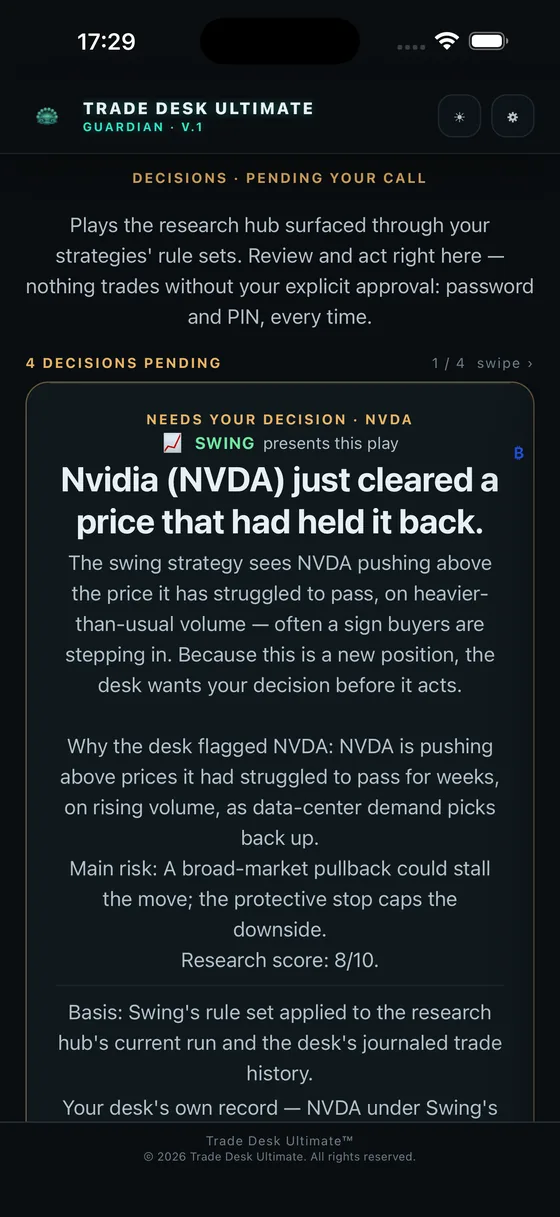
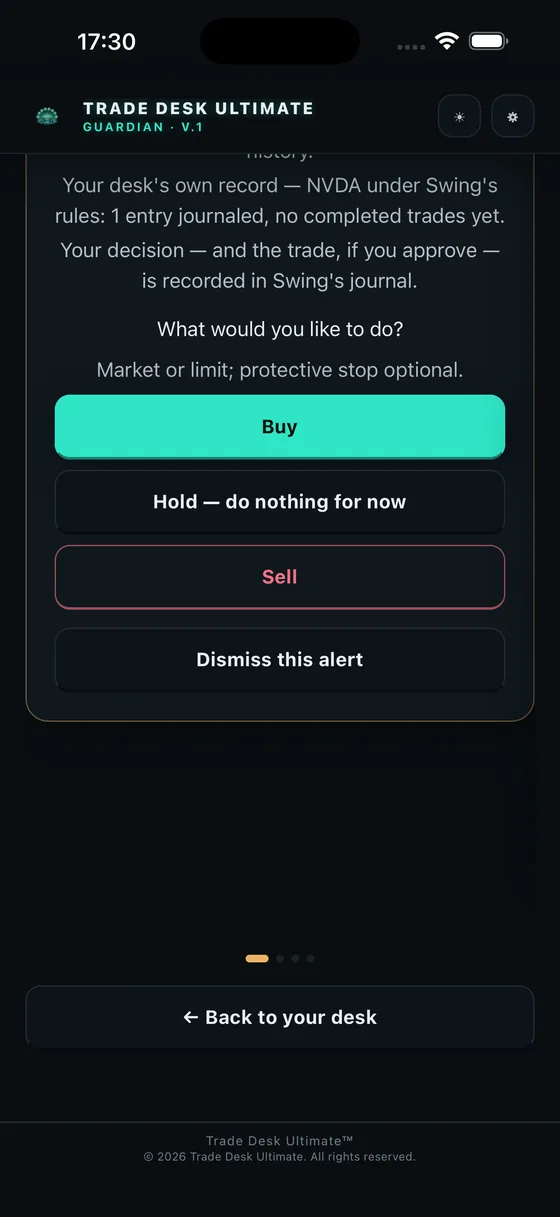
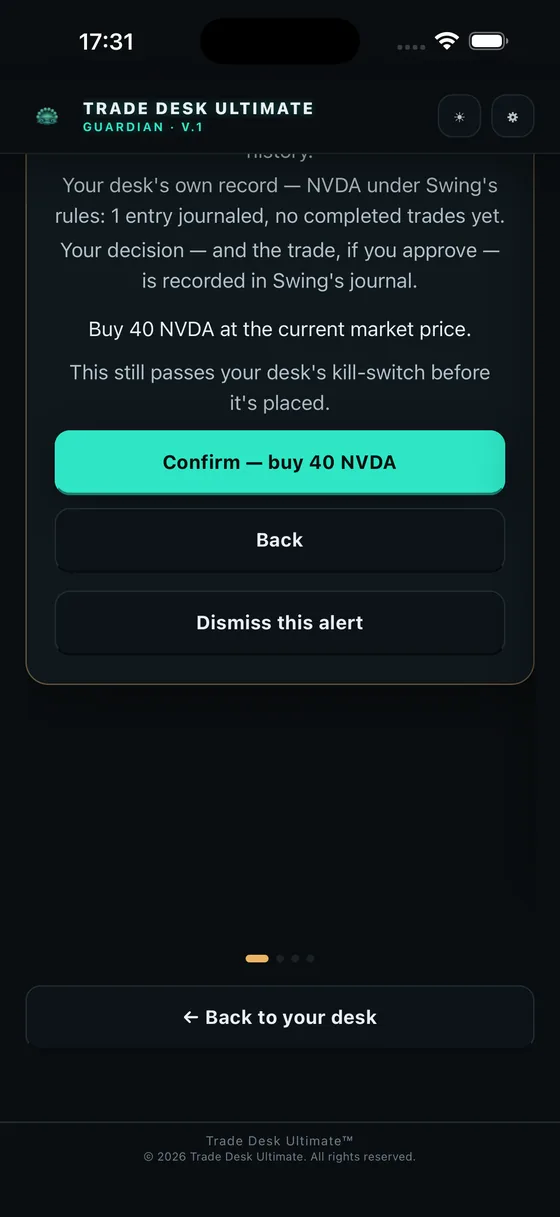
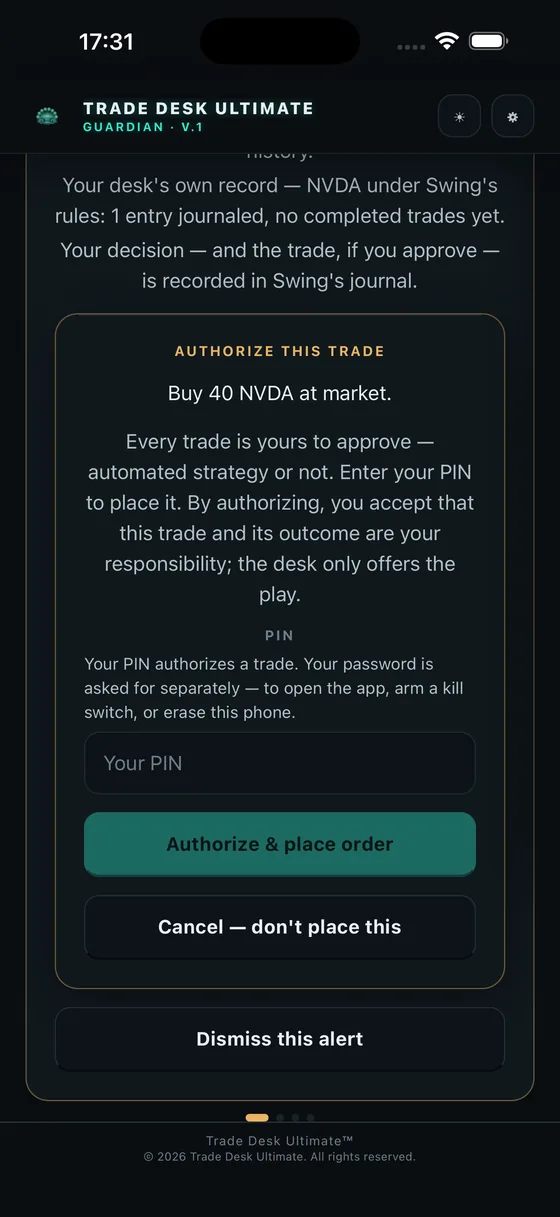
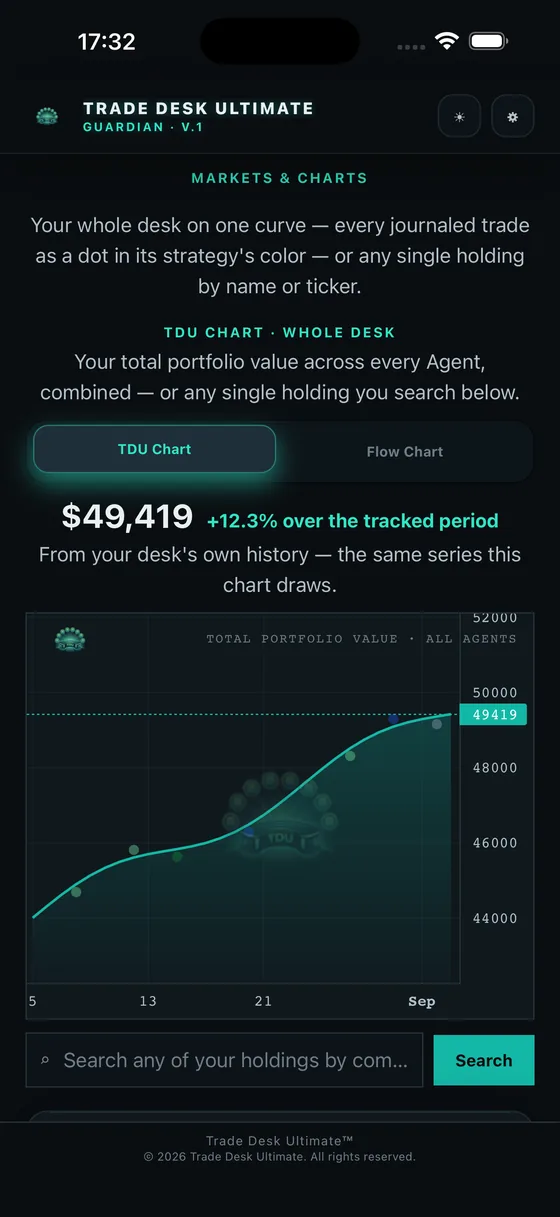
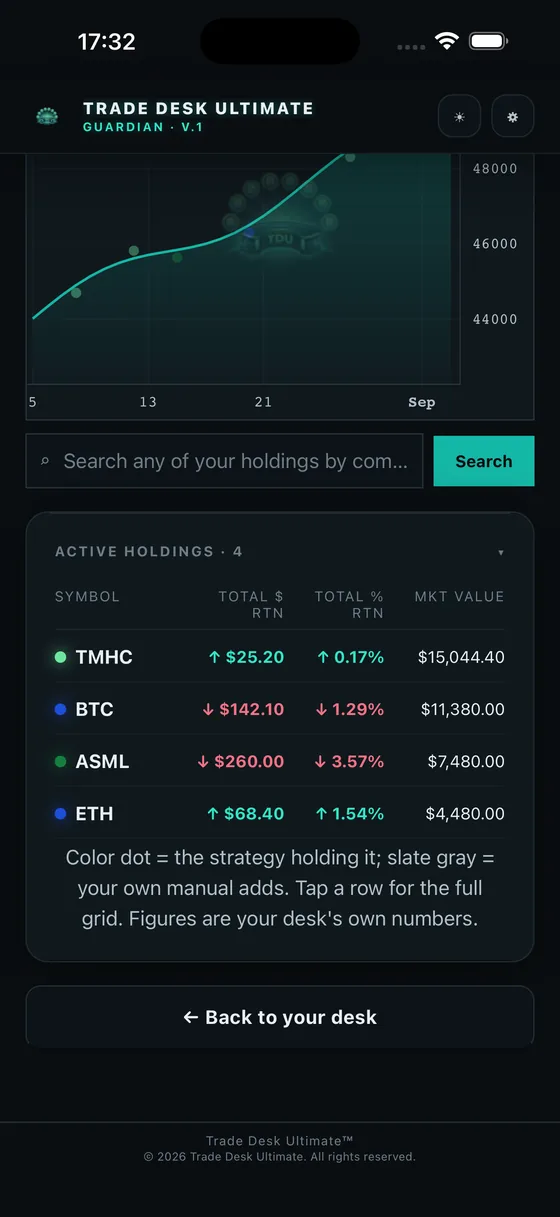
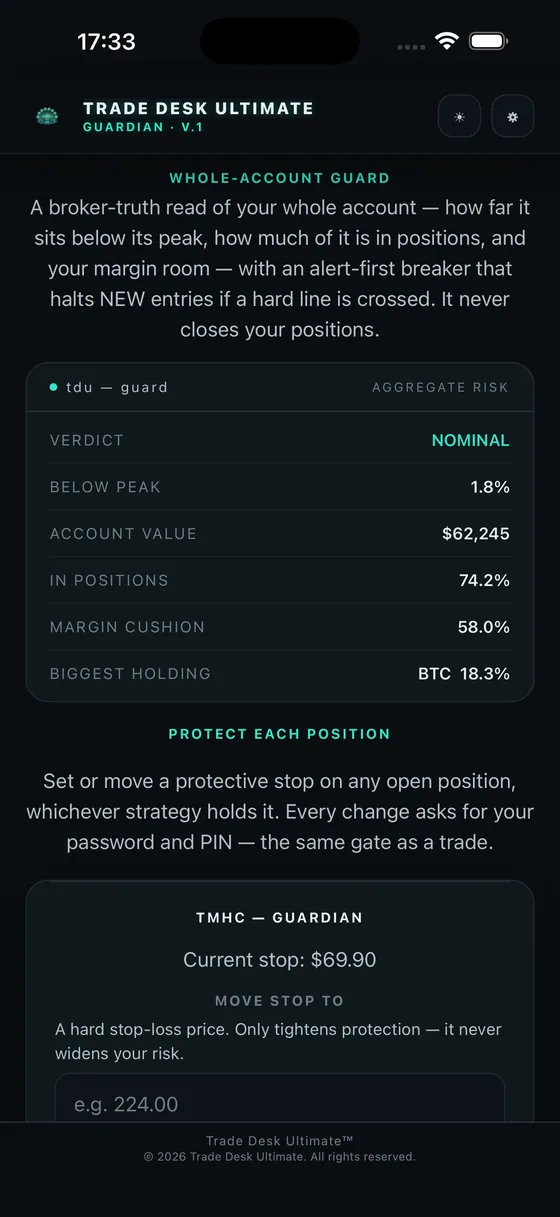
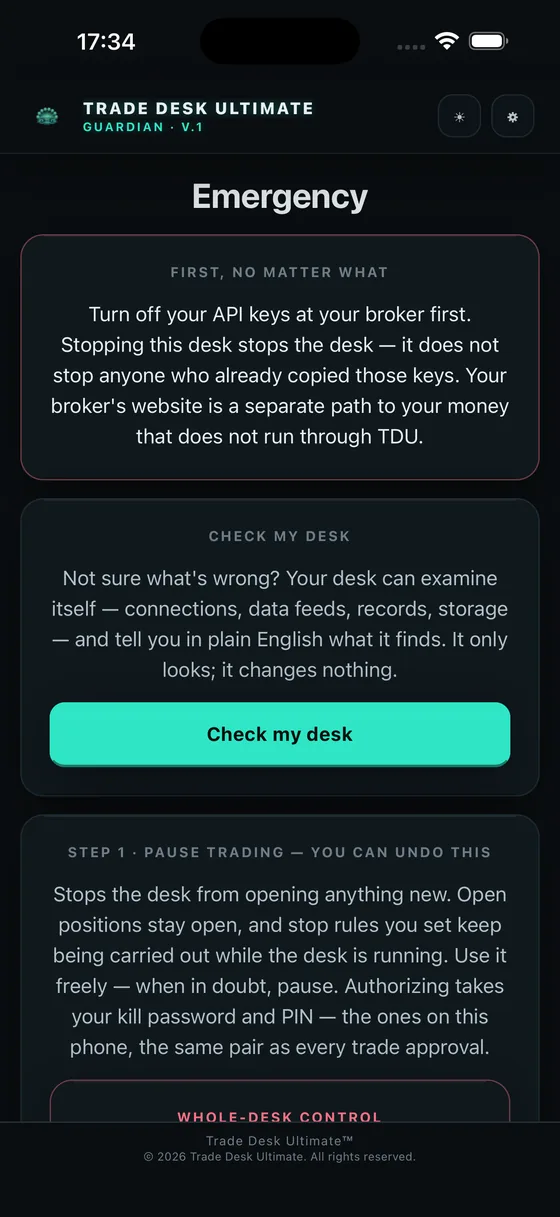
Illustrative - Not Live Trading Data · actual screens from the app; figures shown are a demonstration desk, not a performance record
We constantly measure what we prevent.
Not a return curve — the record of how the desk kept losses inside the limits you set. Drawdown held, stops honored, guardrails fired.
Your desk. Your choice of hosting.
One customer-controlled desk, on your computer and your paired phone. Run it on a VPS or on your own computer, and add real-time market data with the Live Data desk, coming soon.
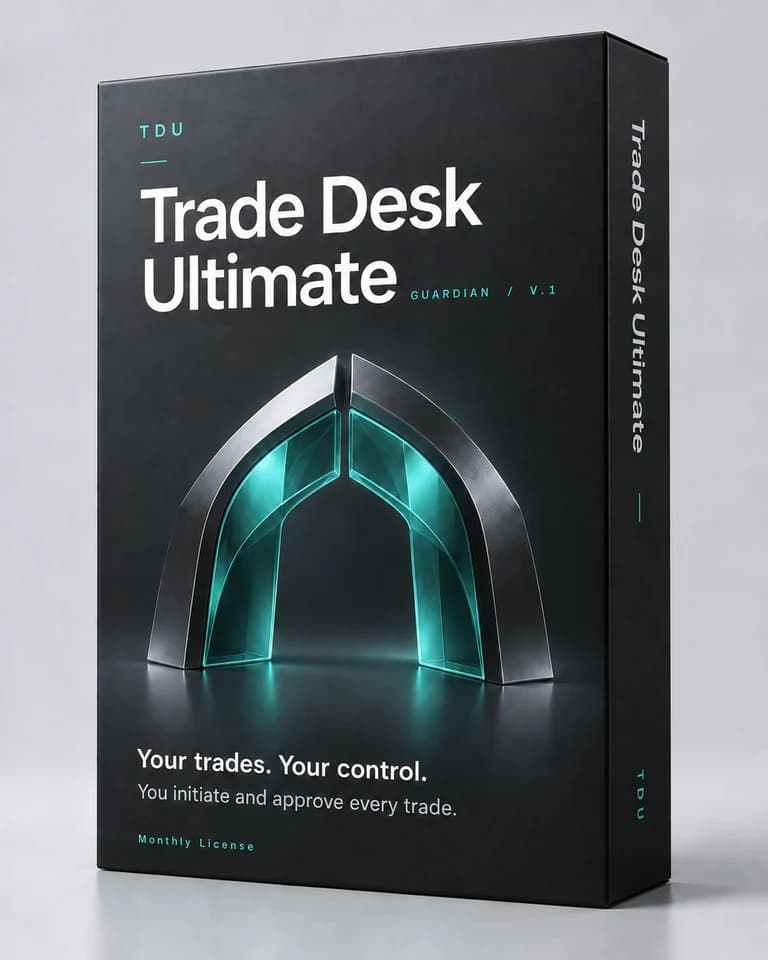
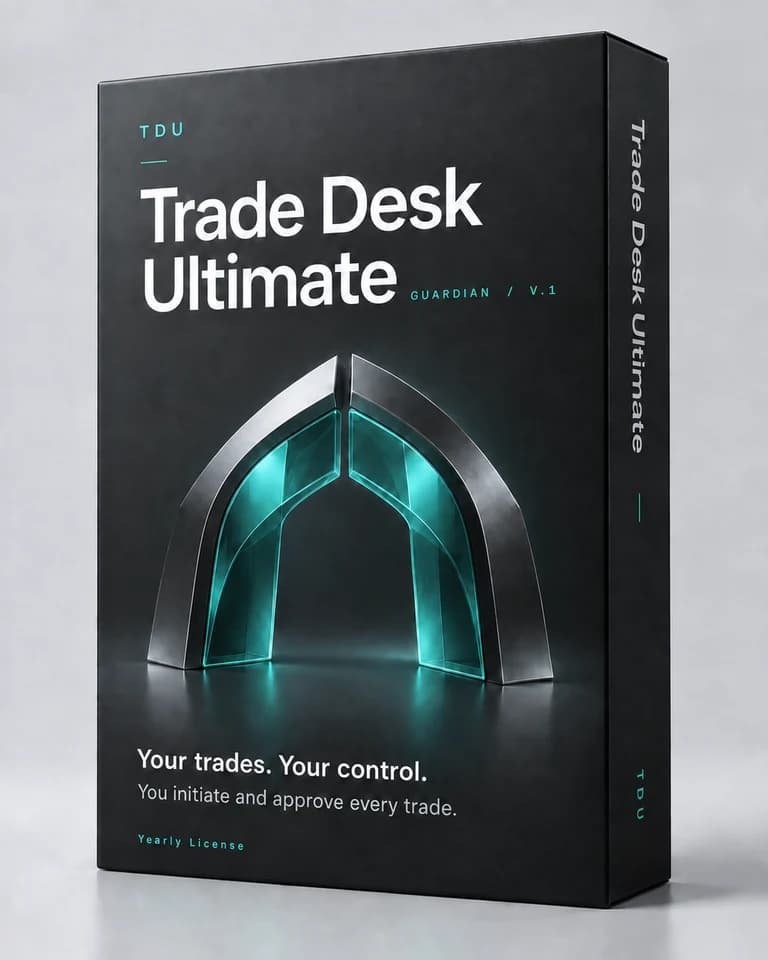
Choose your subscription
- VPS desk
- $499.80 / year. Hosting billed separately.
- Local desk
- $805.80 / year. Assisted setup and ongoing care included.
- Live Data deskComing soon
- $1,315.80 / year (equivalent to $109.65 per month; save $232.20 per year). Your desk with real-time market data on the one screen you choose, with guided setup and ongoing customer care whether it runs on a VPS or on your own computer.
- We are currently negotiating our live options and futures data provider contract to bring you an upper-echelon live data experience.
Live data will show on one screen you choose; your other screens show delayed data. For non-professional subscribers. If you host on a VPS, your provider bills hosting separately. Strategy add-ons are separate products at $9 per month each.
Live market data, coming to your desk.
- We are currently negotiating our live options and futures data provider contract to bring you an upper-echelon live data experience.
- Live data will show on the one screen you choose. Move it with a tap.
- Real-time data drives what you see. Your strategies and stops keep working from your own brokerage connection.
Market data may be delayed, interrupted or inaccurate. Not a broker. Not financial advice. Trading involves risk of loss.
Trade Desk Ultimate is software, not a brokerage or advisory service. It surfaces the guardrails you select and configure, and alerts you the moment those guardrails are threatened — you make every trading decision, with the assistance of the research and alerts your desk gathers on your stocks and watchlist. It does not provide investment advice or guarantee any outcome. Trading involves substantial risk of loss; that risk is real even with a professional advisor — here, the advisor is a well-informed you.
We don't promise the market. We build for discipline.
No one can promise the market. What we stand behind is how the desk behaves: it holds the limits you configure, it fails closed, and every live order waits for your yes.
- Set your max-loss, stop and kill-switch limits in the app, confirmed with your PIN.
- Prove it in practice mode before you ever go live.
Describes how the software behaves; not investment advice. Covers product conduct, not market outcomes.
Straight answers.
Is Trade Desk Ultimate a broker?
No. It executes and monitors through your own brokerage accounts. It never holds or has custody of your money.
Can it promise results?
No. Trading carries real risk of loss. T.D.U. is tooling for running your own strategies with discipline — not a promise of any result.
Is any of this financial advice?
No. Nothing here is a recommendation to buy or sell any security. Your trading decisions are entirely your own.
Does it trade for me?
No — and that's the point. The desk surfaces alerts when the guardrails and rules you set are triggered; you approve or deny every order yourself. Nothing reaches the market without your yes. It's protection and control, not a hands-off bot.
What does "Guardian mode" mean?
Guardian brings your connected accounts, research and protection alerts into one desk. You place trades manually and choose whether to add supported fixed or trailing stops. Without your stop selection, TDU does not automatically execute a stop for that trade. Strategy subscriptions are separate add-ons.
What can it trade?
Equities, crypto, and forex today, through supported brokers, with more on the roadmap.
Do I stay in control?
Always. Paper-first by default, human approval for live orders, and an armed kill-switch you can hit at any time.
How am I billed?
Securely through Stripe, with any applicable sales tax added at checkout. US customers only. Cancel anytime.
What do you stand behind?
How the desk behaves, not market outcomes: it holds the max-loss, stop and kill-switch limits you configure, it fails closed, and every live order waits for your yes.
Is there a free trial?
No. Monthly and annual plans are charged at purchase and renew on the schedule you choose. You can cancel renewal at any time; access continues through the time already paid for.
Does it protect my gains, or just cap my losses?
A trailing stop you choose tightens behind the trade as it moves your way, by the percentage you chose when you placed it, and it never loosens. It can't promise a result, and stops cannot guarantee an execution price or prevent every loss.
Who can see my accounts, my keys, and my money?
Only you. The codes your brokerage gives you for connecting apps — you'll see them labeled "API Key" and "API Secret" — are typed once into your own desk at setup and stay there, on your machine. They never touch our servers, and we never have access nor custody of your assets. Consider the desk your brokerage consolidator: it tracks what you do in the markets and puts your watchlist, news, fundamentals and protection alerts in your pocket.
See how key safety works in the getting-started guide →Do I need my own server?
Choose a VPS plan for a private server in your own DigitalOcean or equivalent account; hosting is billed separately by that provider. A Local plan runs the desk on compatible always-on hardware and includes required assisted setup and ongoing care. Review the Local hardware requirements with our care team before purchase. Your computer and paired phone open the same desk.
What if I'm not technical?
The VPS setup wizard guides you through server setup and connecting your accounts. Local plans include assisted setup and ongoing care in one required subscription. Care cannot be removed from a Local plan. Contact us for help choosing the right setup.
Is real-time market data available?
It is coming with the Live Data desk. We are currently negotiating our live options and futures data provider contract to bring you an upper-echelon live data experience. Until then, your desk works from your own brokerage connection.
Why is live data on one screen?
Exchange licenses count each screen that shows live data. You choose which screen shows live data and can switch it any time. Your other screens show delayed data.
Who can use the live data?
The Live Data desk's data will be licensed for non-professional use. When you turn it on, you confirm your status against the exchanges' definitions. If you trade for a firm or hold a professional registration, contact us first.
Do my strategies trade on this data?
Not today. Real-time data drives what you see and decide. Strategies and stops keep using your own brokerage connection, and nothing reaches the market without your yes.
Can the data be late or wrong?
It can be. Market data can arrive late, pause or contain errors, and exchanges can halt trading. If the live feed drops, your desk switches to delayed data and tells you.
Can I share or export the data?
No. The data is licensed for your own use on your desk and can't be copied, resold or shared.